


Next: A Set of Utility
Up: Software Example
Previous: Software Example
The software is on the web-site
and is run by Internet
- open the line 'Portfolio-GMJ2-Flexible' in the 'Global Optimization',
- start the applet,
- select investment parameters
(see upper Figure 1),
- define utility function (see bottom Figure 1),
- click the 'count' label at the top of page,
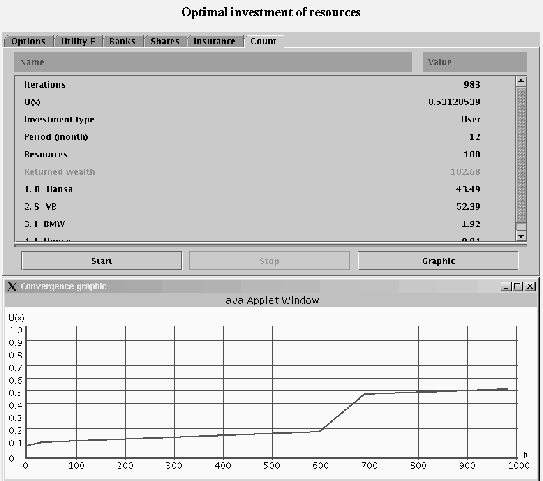
- read
results of the optimal investment, (see upper Figure 2),
- open the
'convergence' window (see bottom Figure 2) which show how
the best utility depends on the iteration number,
Figure 1:
Optimal Investment, control windows.
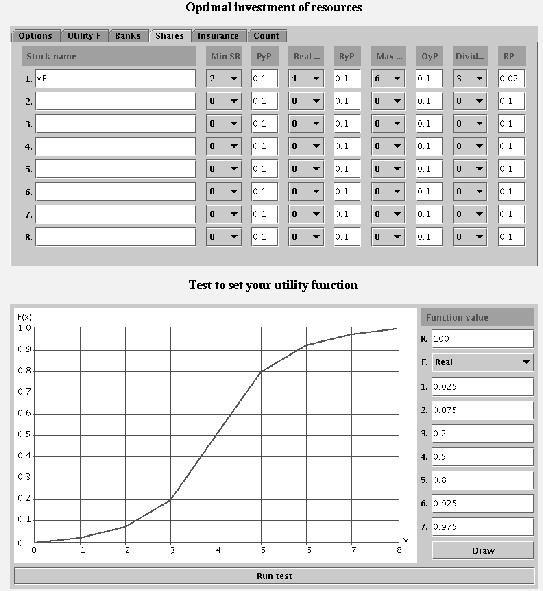 |
Figure 2:
Optimal Investment, output windows.
 |
2002-11-04