Global Minimizer for C# (GMC#) Version
1.0b
Users Guide
Note: You need to have installed Microsoft .NET framework. For more information go to http://msdn.microsoft.com/net/
GMC# have methods, tasks and analyzers. The task is the work to be done and method is way of doing that. The analyzers represents results in a visual way.
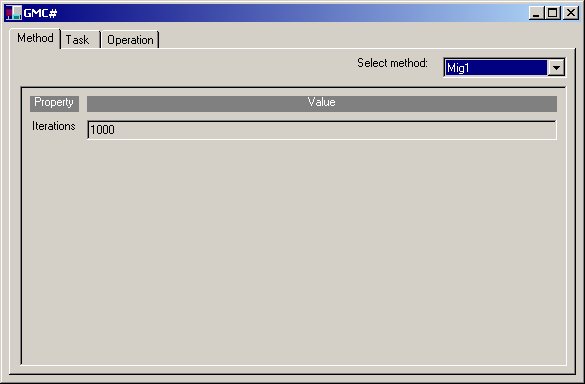
The choice control at the top of the window shows the list of supported methods. One of them is to be selected. After selecting a method the window changes. The configuration window depends on the actual method selected, but usually it will have an "Iterations" field, where the number of iterations, can be changed. If the entered value is invalid, or the number is out of bounds, the appropriate error message is displayed.
The choice control at the top of the window shows the list of available tasks. One of them should be selected and configured before optimization starts. After selecting a task the window changes. The configuration window depends on the actual task selected. It lists the properties of the task and then the range of the minimization domain.
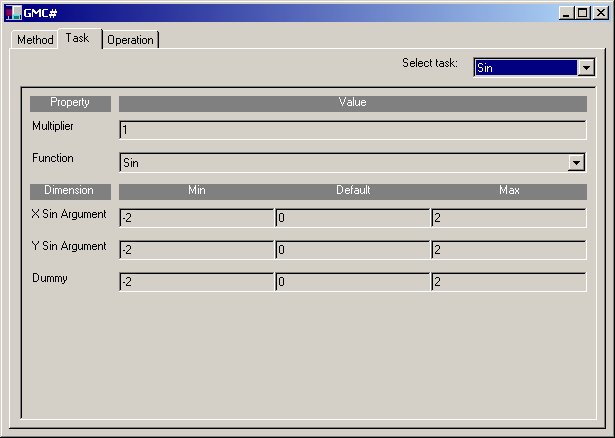
Tasks have some properties incuding dimensions that are configured.
Operations window:
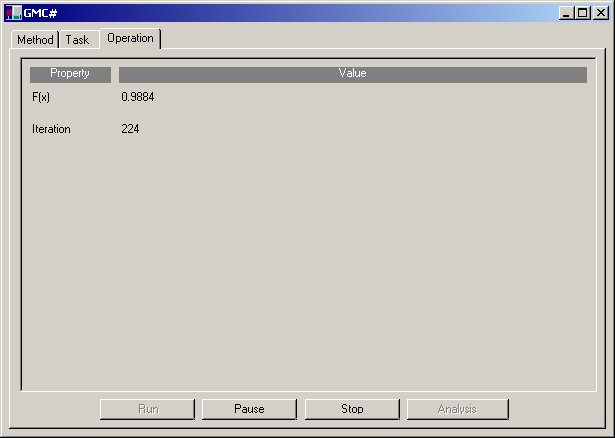
You can choose operations:
After optimization one can view results.
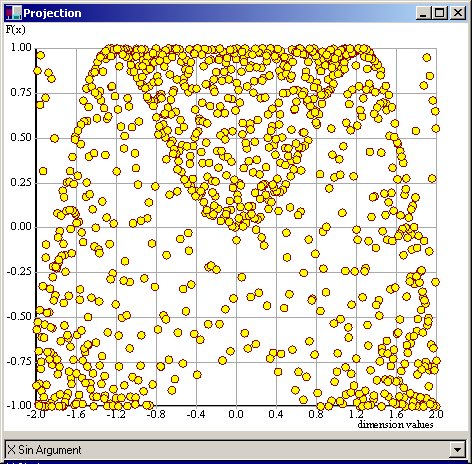
The projection windows show the relation between one of the dimensions of the domain of the minimization function and the value of the function.
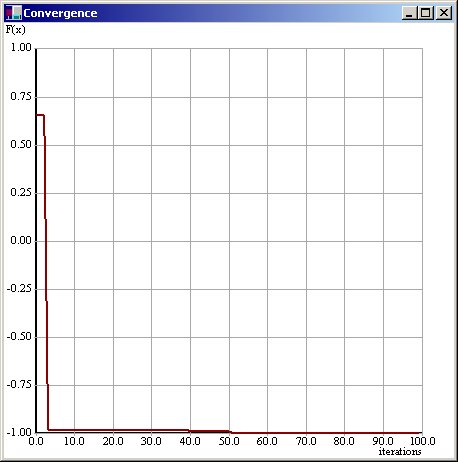
The convergence window shows the progress of minimization on iteration basis.
Arunas Andriulaitis ([email protected])
Jonas Mockus ([email protected]).
Valdas Varnagiris ([email protected])