|
|
|
|
 |
Simple data entry
It
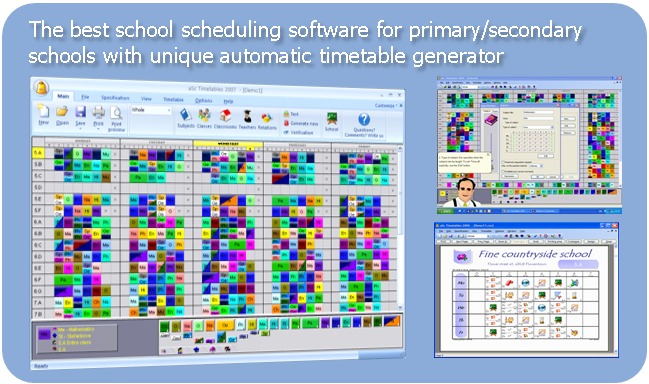
is quick and easy to enter all subjects, classes, classrooms, teachers
and their contracts. The application also enables creating all specific
divisions of classes into groups. It is possible to unite more classes
into one lesson or to have more teachers for one lesson.
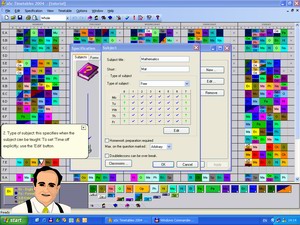
The tutorial is an important part of the program. Mr. Schoolover will
teach you how to enter data, generate, verify and print timetables.
|
|
Automatic generating
In
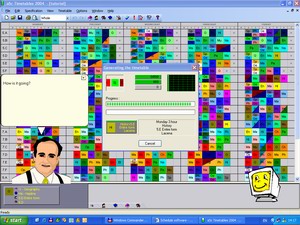
few minutes, the program generates a complete timetable that fulfils
all your requirements. The program follows all psycho hygienic and
organizational requirements such as: - The
minimization of gaps in teachers' schedules, the limitation of maximal
number of gaps in teachers' schedules, as well as the limitation of
days, when teachers teach.
- Classes of a subject has to be distributed equably in the entire week.
- Verification of succession of entire and divided classes.
- Placing lessons into allowed classrooms.
- And many more...
|
 |
 |
Verification of the timetable
The
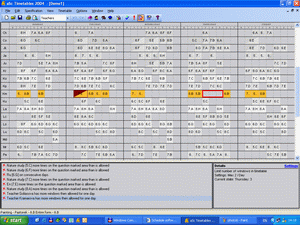
program verifies the data entered and helps you remove standard entry
errors. It also verifies, whether the created timetable fulfils all
conditions. You can make changes to the timetable, and the program
notifies you, in case of illegal changes. |
|
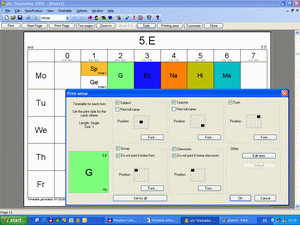
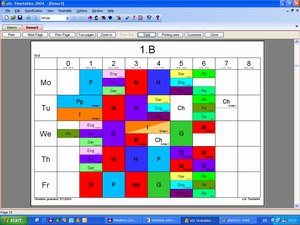
Complete print
You
can print your timetable. The program automatically creates timetables
for each class, teacher or classroom. It creates summary timetables of
classes, teachers or classrooms for the entire school. Once printed it
helps you easily assign substituting teachers when necessary. You can
specify which classes, teachers or classrooms you want to print in each
summary timetable. |
 |
 |
You can also export the timetable into Microsoft Excel or save it to HTML format and publish it on your school's Web site.
HTML export example |
|
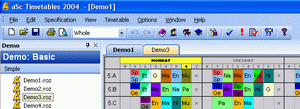
Intuitive control
You
can change the timetable by moving classes with the mouse. The program
prevents you from making illegal changes, and it shows you when the
teachers have free time in the timetable. In case you are not satisfied
with the changes you have made you can undo the last 100 operations by
using Undo and Redo buttons. |

|
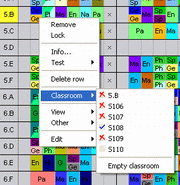 |
You can use the right mouse button to activate commands or you can display the possible lessons for the chosen position. |
|
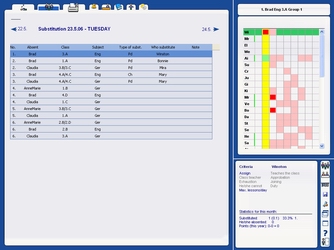
aSc Substitutions
The
program aSc Substitutions helps you solve everyday problems with
substitutions of missing teachers. The program creates monthly and
yearly reports of missing teachers and substitutions. It also computes
overtime for every teacher.
As you can see on the picture, this
program has an intuitive interface that you will master the very first
time you use it. The interface is simple and effective.
You can manage your school's substitutions also over the web. See Web Substitutions...
|
 |
|
|
|
|
Award winning software
|
Purchased in 114 countries.
Gold medals at international exhibitions: PEDAGOGIKA, SCHOLANOVA, EDUKACIA. |
|
|
| |
|
|
|
|


